
“Enable push notifications on your mobile device to stay updated on the latest offers and games at KashKick. Occasionally, we send exclusive offers available only through notifications, so if you don’t have them enabled, you could be missing out! Follow the simple instructions below to turn on notifications for your device.
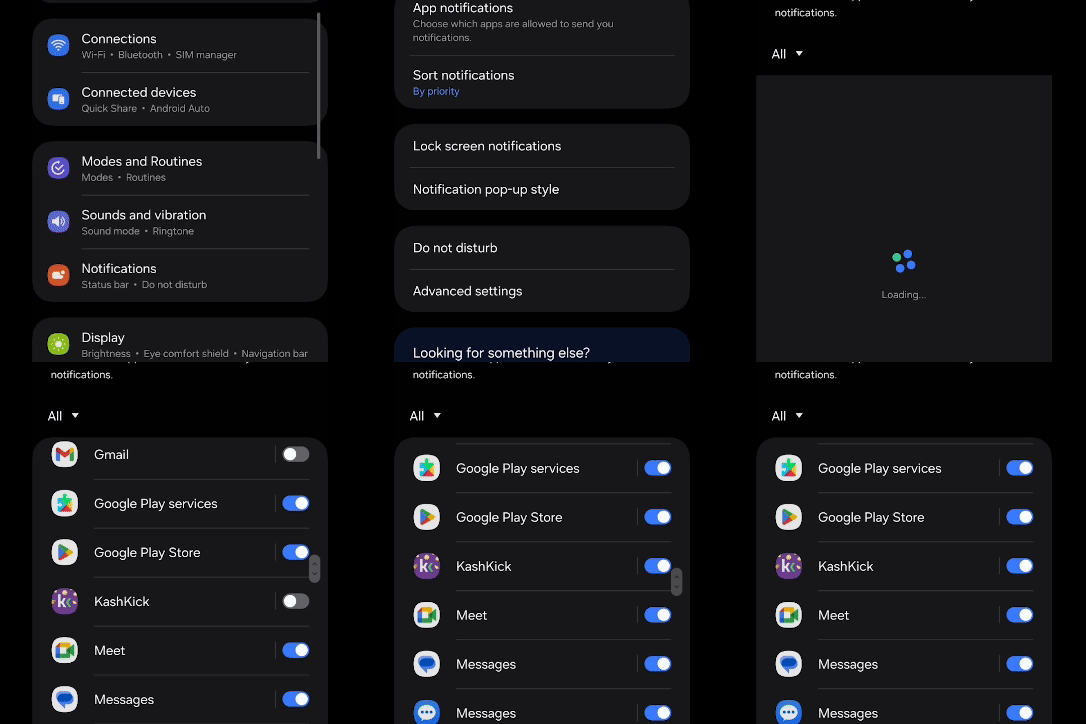
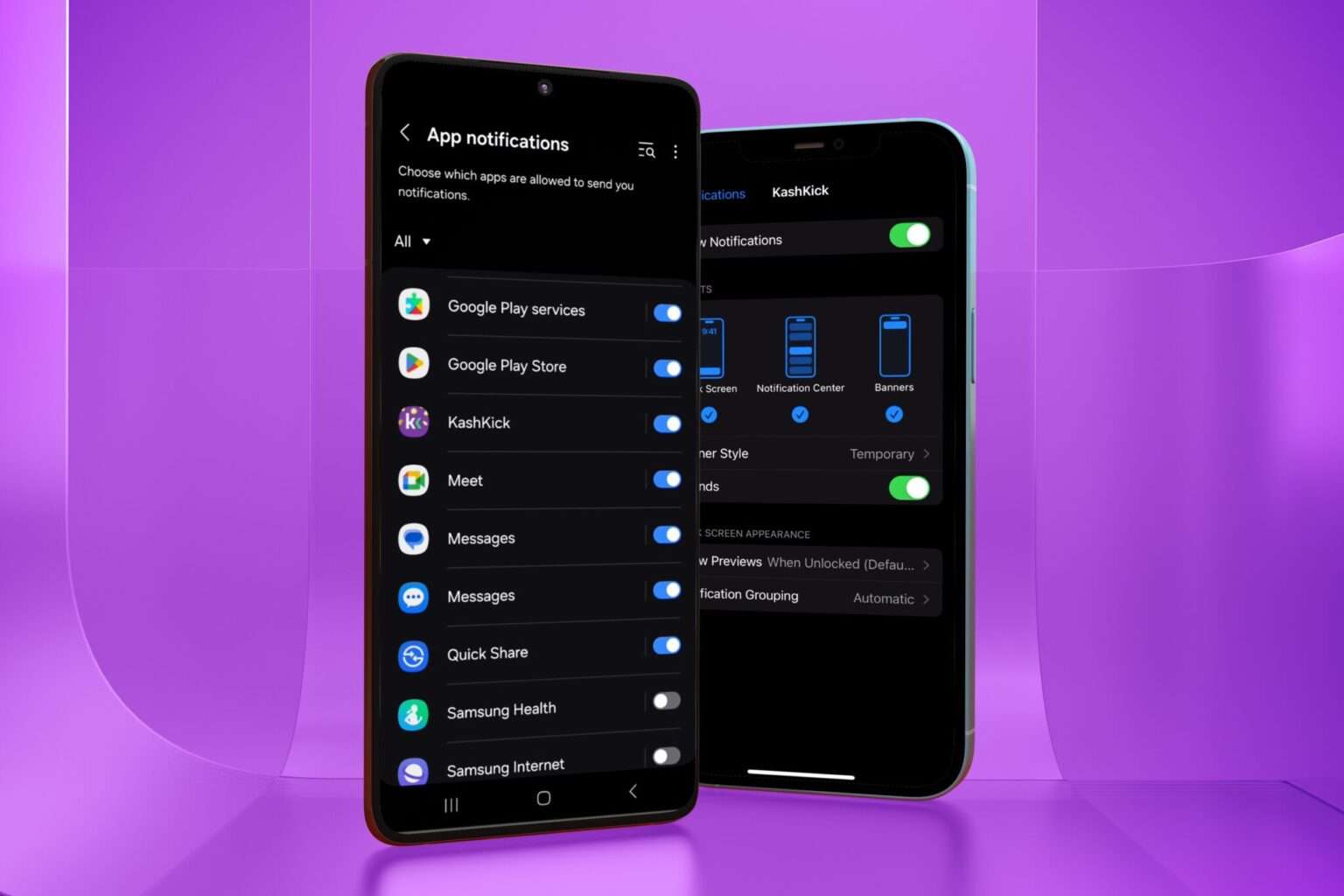
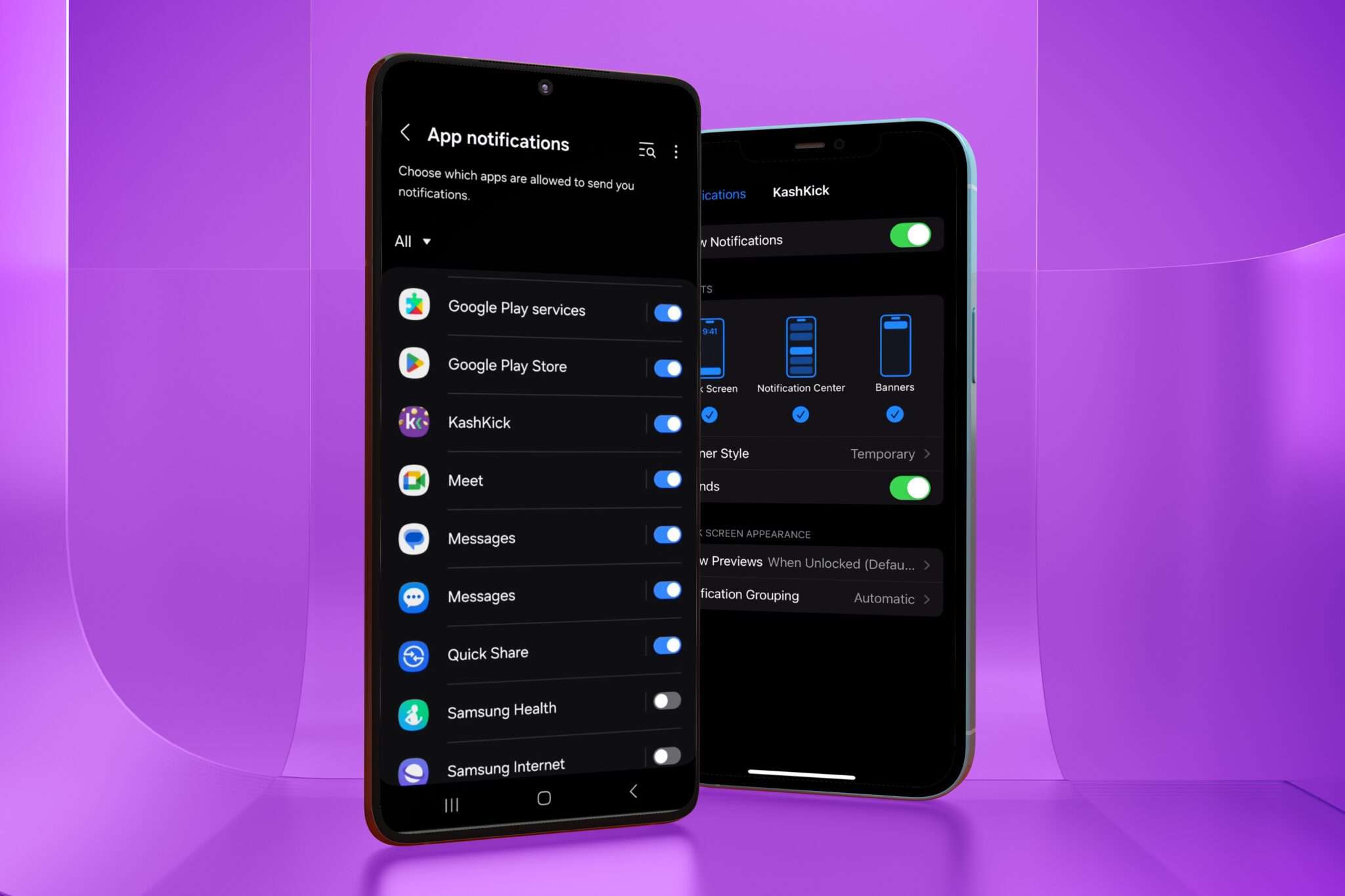
To turn on push notifications on an Android device, you can do the following:
1. Open Settings
2. Tap Apps & notifications
3. Tap App info
4. Select the KashKick app
5. Tap Notifications or App notifications
6. Tap Show notifications to turn on
To turn on push notifications on an iPhone, you can do the following:
1. Go to the Settings icon on the Home screen
2. Tap Notifications
3. Select the KashKick app
4. Tap the Allow Notifications switch to turn it on