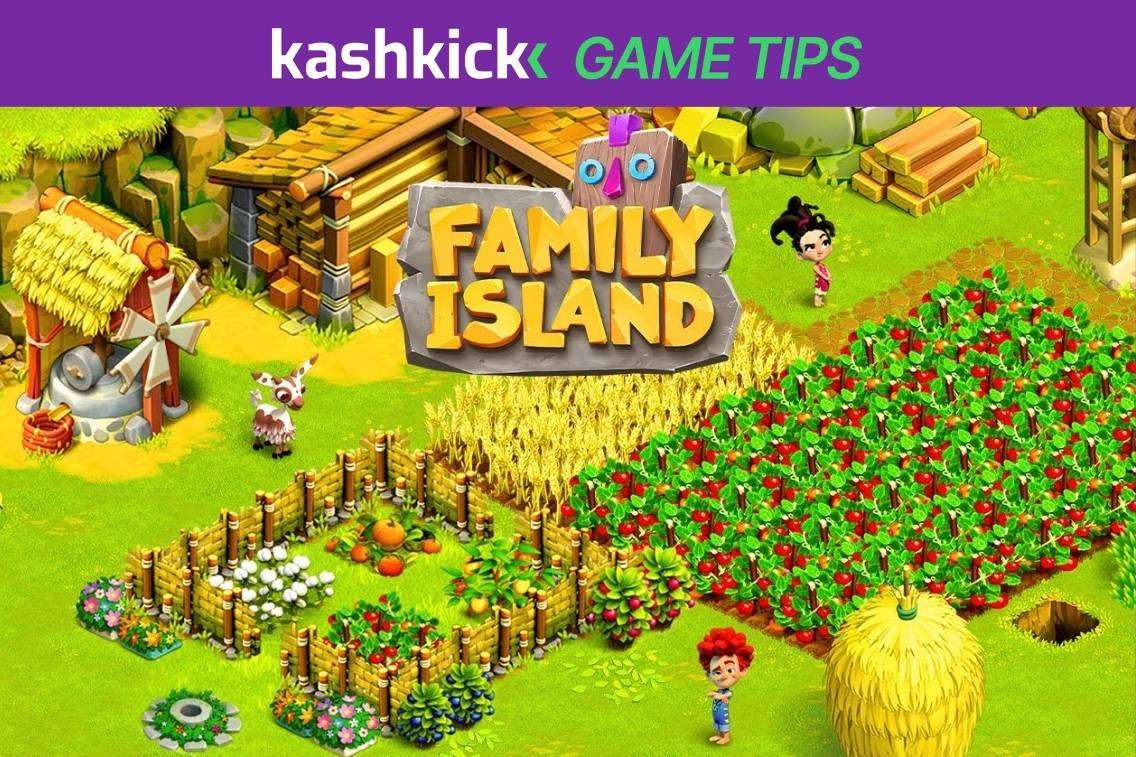

Bruce, Eva and their two kids just lost their village to a volcano, and now they’re stranded on a deserted island. Your job is to turn a campfire and a patch of jungle into a thriving Stone Age village.
Family Island is a free farming adventure from Moon Active for iOS and Android. It’s easy to pick up and surprisingly deep once events kick in. These Family Island tips and tricks show you where to spend energy, which quests to chase and how to level up faster.
Want your game time to count for more? Sign up for KashKick to earn real rewards for completing missions in mobile games.
KashKick’s game catalog is always evolving, so titles come and go. See what’s currently live and download through the app to start earning.
Key Takeaways
- Family Island is a free farming adventure from Moon Active where you rebuild a Stone Age village by spending energy to clear land, craft goods and finish quests.
- Quests are the fastest way to level up, so spend energy on what your active quests need instead of clearing at random.
- Stretch your resources by upgrading key buildings like the Storehouse early, keeping workshops running, filling merchant ship orders and saving rubies for energy refills during events.
- The game doesn’t pay cash on its own, but you can earn real rewards by completing its missions through KashKick when it’s live in the app.
Why Play Family Island?
Family Island mixes farming, crafting and exploring into one cozy loop. The bright, cartoony art makes every session feel like a mini vacation, and there’s always something new to unlock. Here’s why it hooks so many players:
- You build everything from scratch. Bruce, Eva and the kids start with a campfire and a patch of jungle. Every log you chop and every crop you plant turns that clearing into a working village. If that slow-build feeling hooks you, our list of games like Township has plenty more.
- The story actually goes somewhere. Each chapter adds new characters and light family drama, so quests feel like scenes instead of chores.
- There’s always a next goal. Quests, merchant orders and building upgrades overlap, so even a 5-minute session moves something forward.
- Weekly events keep it fresh. Limited-time islands like Photo Safari bring new maps, mini-games and milestone prizes.
- It fits any play style. Casual players can tap through a few quests on a coffee break. Dedicated players can chase every event chest.
Family Island Tips and Tricks for Getting Started
Family Island runs on one loop: Spend energy to clear land, turn what you gather into goods and use those goods to finish quests. It’s free to play, with optional in-app purchases. Here’s how to start strong:
- Spend energy on quest items first. Every tap on a tree, rock or bush costs energy. Check what your active quests need before you start chopping.
- Keep your workshops running. Production buildings run on timers. Queue a new batch before you log off and harvest crops the moment they’re ready.
- Use the quest panel on the left. It lists every active story task and what’s still missing. Finishing those tasks pays out coins, energy and materials for your next upgrade.
- Upgrade storage before you need it. A full storehouse wastes resources. Raise capacity early so big building projects don’t stall halfway.
- Sail to new islands as they unlock. Leveling up opens adventure islands with fresh resources and hidden treasure. Like island farming sims? Our Sunshine Island tips cover another one worth a look.
That’s the core loop. Next up: how to level up faster, plus how players use apps like KashKick to make money playing video games on the side.
How to Level Up Faster in Family Island
Quests drive almost everything in Family Island, including your XP. These moves help you level up faster without wasting energy.
1. Chase Quests, Not Random Clearing
Quests are the fastest way to level up. Main quests move the story and side quests add bonus rewards. Chopping trees with no quest goal burns energy for very little XP, while finishing a quest pays out a big XP bump at once.
2. Upgrade Key Buildings Early
Focus on buildings that provide the biggest long-term benefits: the Kitchen and Hearth for cooking food that restores energy, the Storehouse for holding more resources, Garden Beds for growing crops, and the Stone Workshop for producing materials needed for quests.
3. Treat Energy Like Your Real Currency
Every action costs energy, so plan your taps. Clear cheap objects like grass and small bushes only when they block a quest. Grab gift boxes and berry bushes whenever you spot them. Cook meals before you run dry so a full plate is waiting at the dining table. Take advantage of any available energy rewards to keep progressing without spending extra resources.
4. Jump Into Every Event Island
Event islands run on their own timers and pay out XP, rare decorations and milestone prizes you can’t get anywhere else. Start each new event early so you’re not racing the clock on the last day.
5. Fill Merchant Ship Orders
The merchant ship docks with a list of goods to deliver. Complete enough orders to earn rewards like energy and potentially gold keys. Keep a small stash of common goods so you can fill orders without stalling your quests.
6. Save Rubies for Moments That Matter
Rubies are the premium currency, and the game hands out a few free as you level up and finish special quests. Don’t burn rubies to skip short timers. Save them for energy refills during a tight event or for decorations that pay out bonuses.
Can I Make Money Playing Family Island?
Family Island doesn’t pay you to play. It’s a free game with optional in-app purchases. You can still earn real rewards for game time through KashKick.
KashKick partners with game developers and pays members for completing missions, like reaching a set level within a time limit. Games on KashKick can pay up to $800, and you can cash out through PayPal, Venmo, gift cards or charity donations once you hit $10. Offer amounts are subject to change and may vary.
Curious how payouts work? Here’s whether KashKick pays real money.
Our catalog changes often, so check the app to see if Family Island is live right now. If it isn’t, there are plenty of other ways to get paid to play games.
Turn Family Island Time Into Rewards
These Family Island tips and tricks come down to one idea: Spend energy with a purpose. Chase quests, keep your workshops busy, fill merchant orders and save rubies for moments that matter. Do that and your village grows fast.
Want your free time to pull double duty? Join KashKick and give your game time a raise.
FAQs: Family Island Tips and Tricks
What’s the fastest way to level up in Family Island?
The fastest way to level up in Family Island is to spend your energy on active quests. Quest rewards pay out far more XP than random clearing. Fill merchant ship orders and join event islands in between for extra XP and supplies.
How do you get free energy in Family Island?
You can get free energy in Family Island by cooking meals and serving them at the dinner table. Energy also refills automatically over time. Look for gift boxes, treasure chests and special event items that offer bonus energy. You can also earn energy by completing merchant orders, leveling up and participating in events.
How do you get keys in Family Island?
You can get gold keys in Family Island by completing merchant ship orders and participating in special events. Gold keys open treasure chests around your islands, which can contain valuable tools like gold shovels, saws and pickaxes. Save your keys for chests that offer resources you need.
Why can’t I use Adventure Island resources at home?
You can’t use Adventure Island resources on your Home Island because the game keeps these resources separate. Instead, earn Beaver Food by participating in adventures, then use it at the Beaver Grove on your Home Island. The beavers will produce resources you can collect and use for upgrades.
Can you get paid to play Family Island?
Yes, you can get paid to play Family Island through KashKick. Here’s how:
1. Make sure you haven’t played the game before. (We only reward new users.)
2. Find your game in KashKick and review the mission details and requirements.
3. Start the mission by installing the game through KashKick.
4. Allow tracking on your device (and in the app, if prompted) so your progress can be verified.
5. Complete outlined goals to earn rewards.
Heads up: Rewards are typically pending for around 14 days while they’re confirmed, but timing may vary. Once approved, you can cash out via PayPal, Venmo, gift cards or charity donations. Games are subject to change.